How to Use
Keys
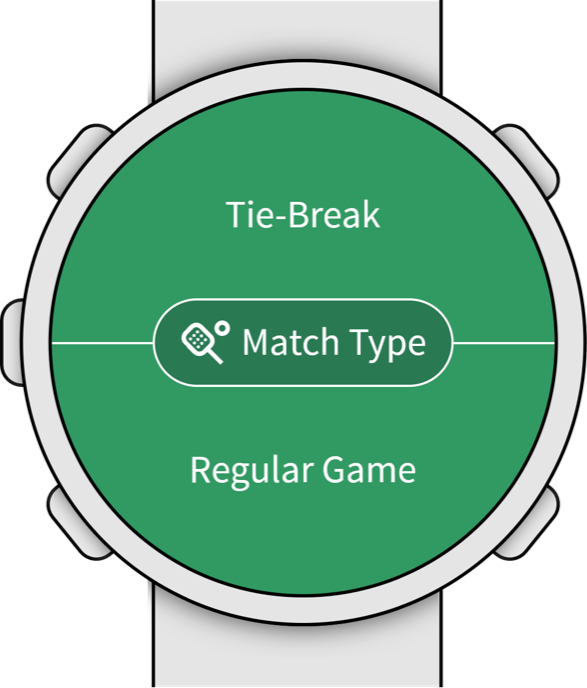 Up
Down
Back
Enter
Match Type
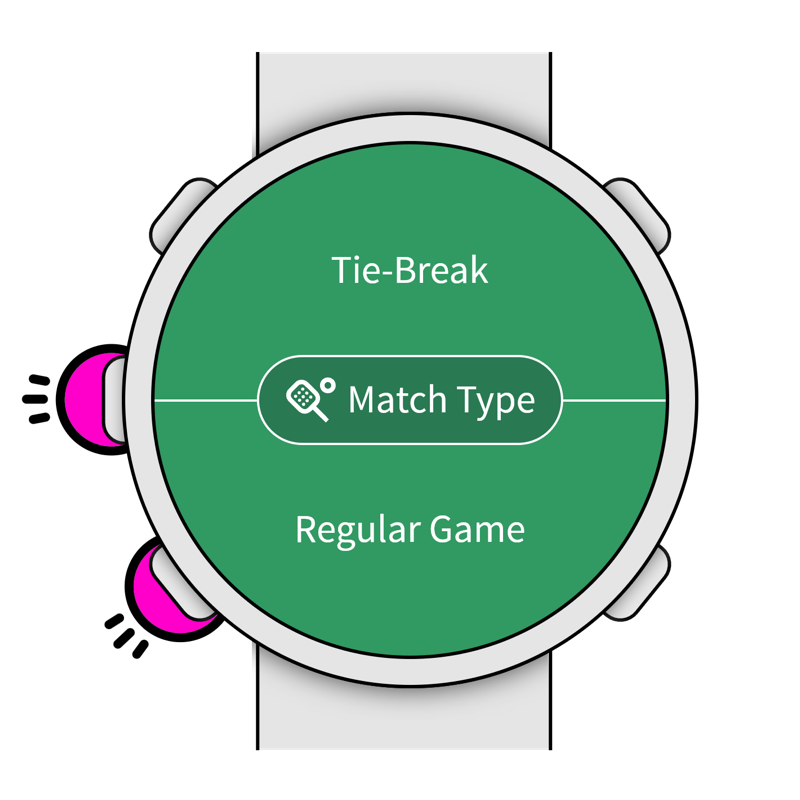
Press the UP or DOWN key to select an option: UP: Tie-Break. DOWN: Regular Game.
Who Starts?
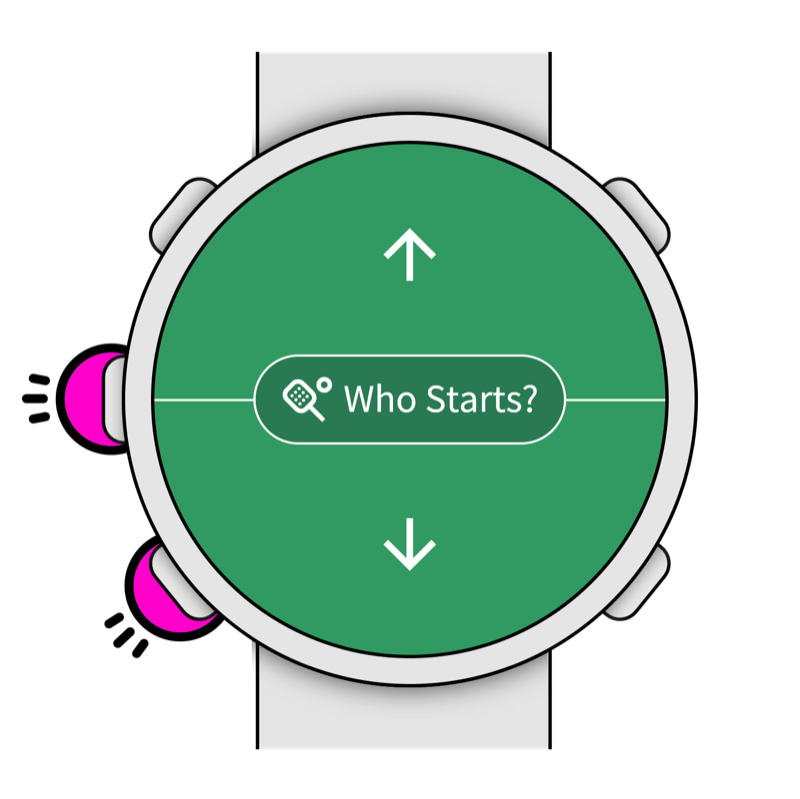
Press the UP or DOWN key to select an option: UP: The other team. DOWN: Your team.
Adding a Point
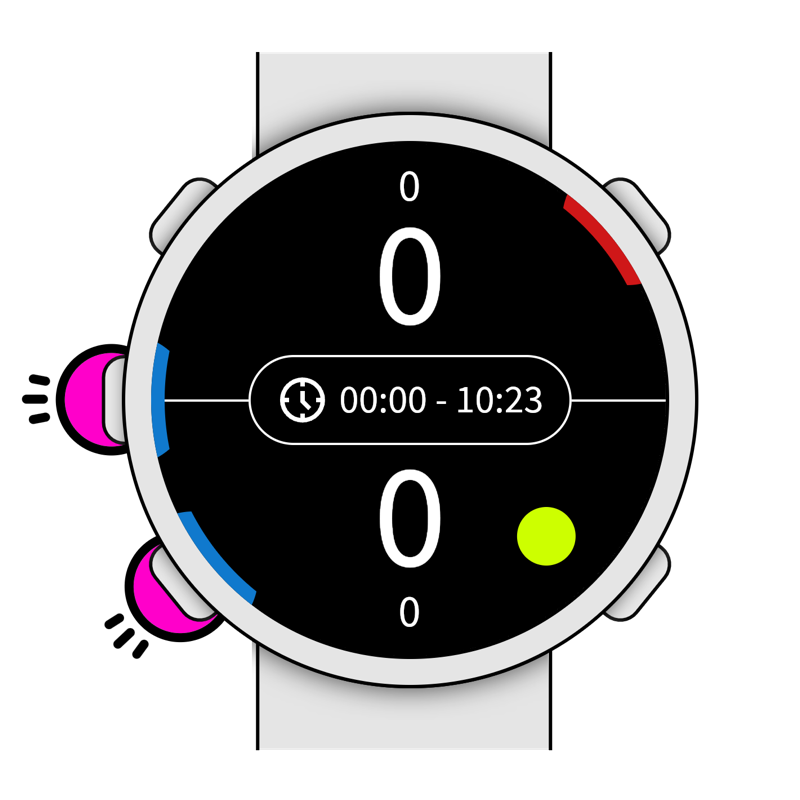
Press the UP or DOWN key, then...
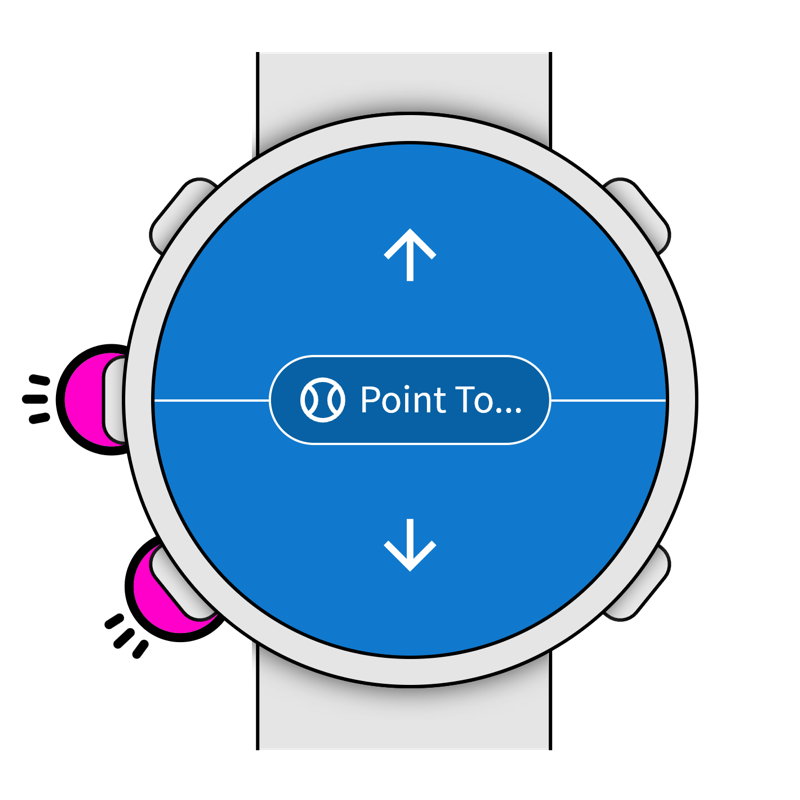
Press the UP or DOWN key: UP: Point to the other team. DOWN: Point to your team.
Undo Last Point / Reset Game
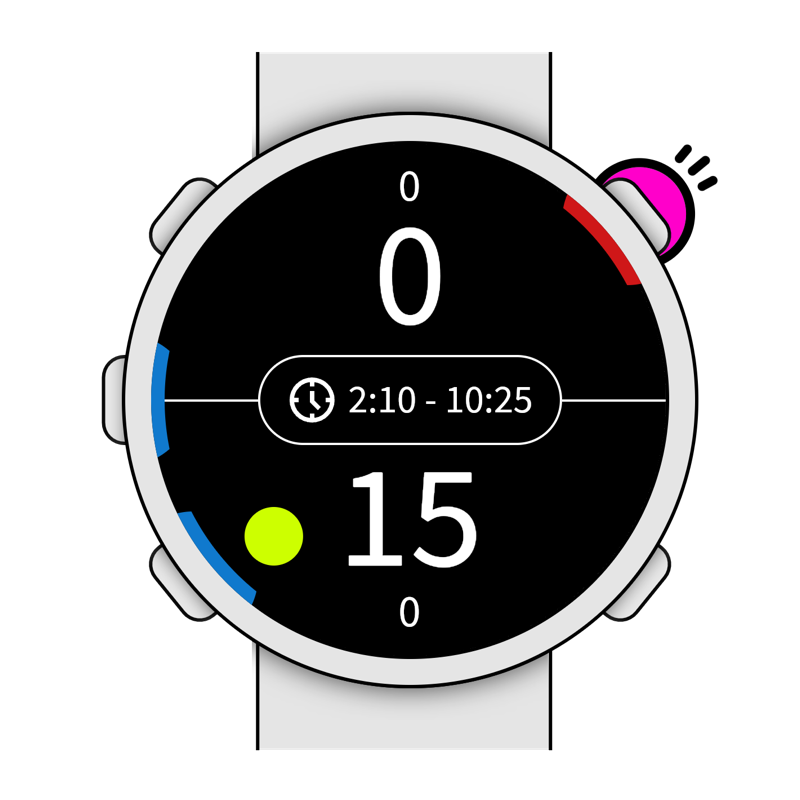
Press the ENTER key, then...
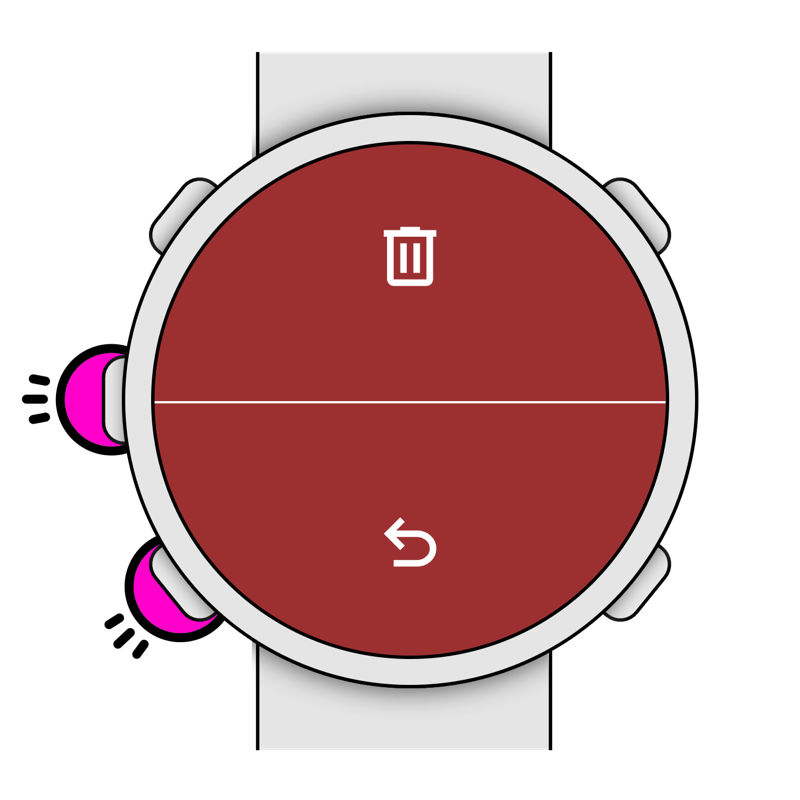
Press the UP or DOWN key: UP: Reset all and start a new game. DOWN: Undo the last point. BACK: Do nothing and back to the previous screen.
Tie-Break
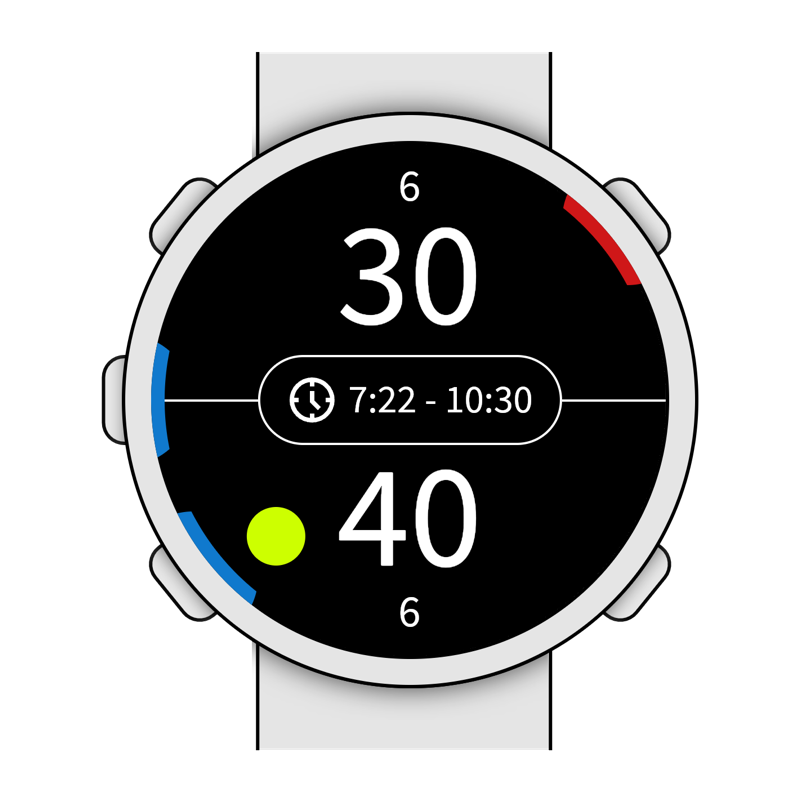
When reaching a tie-break situation, the Tie-Break screen will appear, then...
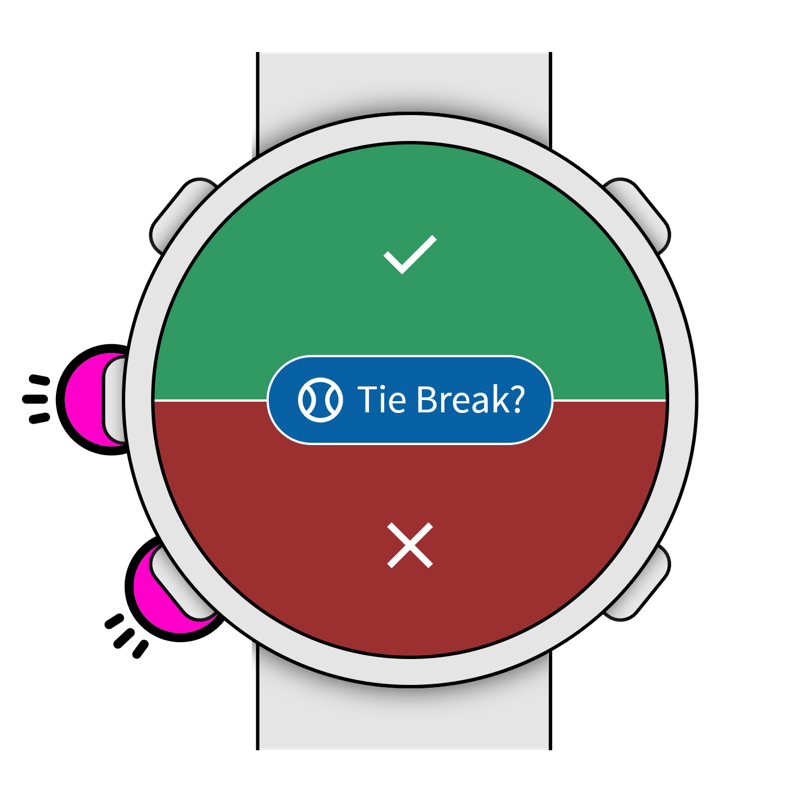
Press the UP or DOWN key. UP: Starts “Tie-Break” mode. After the tie-break the game will continue counting points as usual. DOWN: Keep playing without doing a tie-break.